developer
Wix & Squarespace: Accept Direct UPI via Custom Webhooks in India
Learn how to accept direct UPI payments on Wix and Squarespace in India. Bypass high gateway fees with custom embeddable QR modals and automated webhooks.
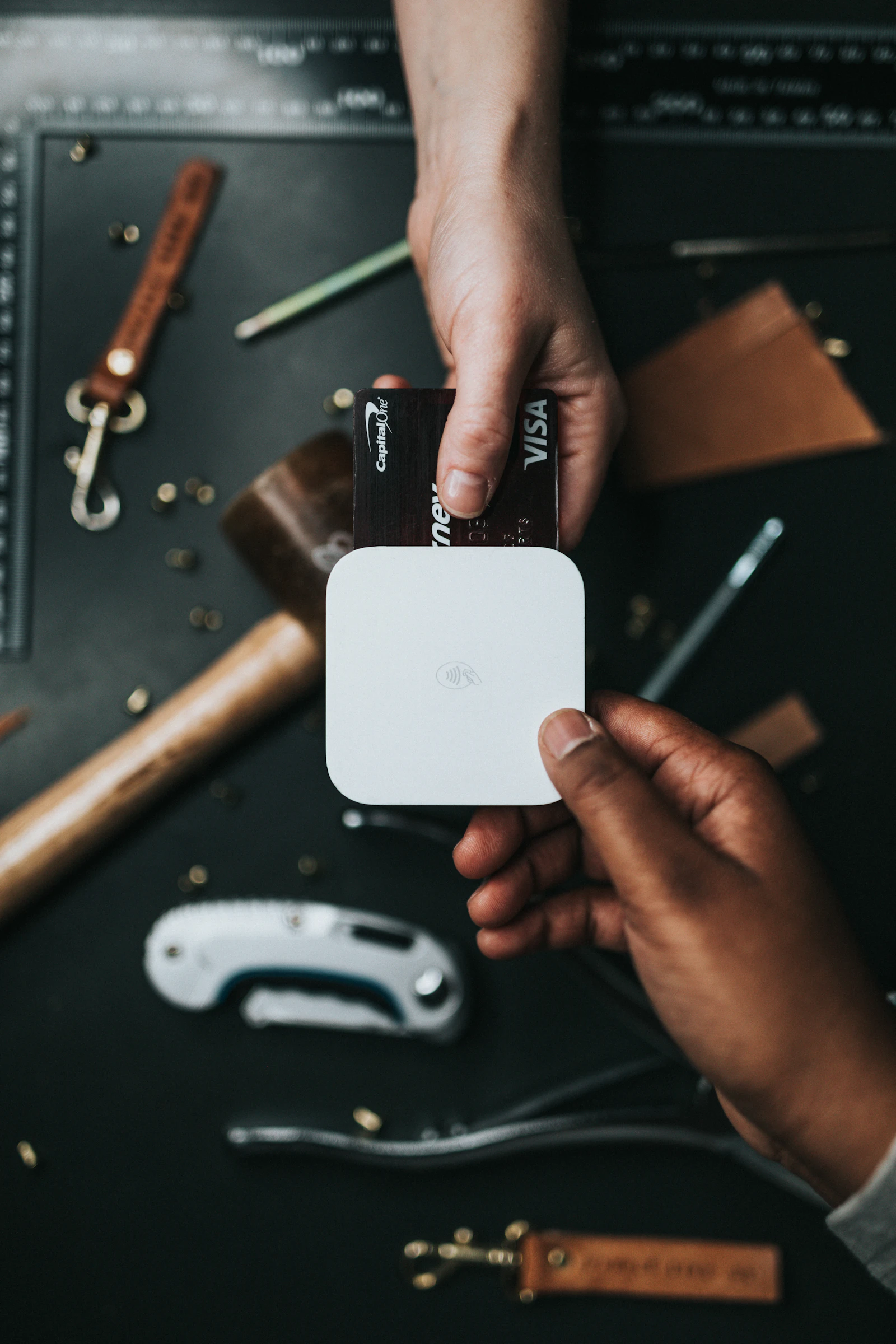
Website builders like Wix and Squarespace are beloved by boutique design agencies, wedding photographers, high-end consultants, and artisan bakeries. Their intuitive drag-and-drop editors allow anyone to publish responsive websites in a weekend.
However, monetizing a Wix or Squarespace site in India quickly leads to friction. Neither platform offers native zero-commission UPI checkout. Site owners are typically forced into setting up third-party aggregator accounts (Razorpay, Stripe, or PayU) that charge 2% + 18% GST on every domestic order, alongside 48-hour settlement delays.
Here is the step-by-step guide to accepting direct UPI payments on Wix and Squarespace with 0% gateway commission using embeddable scripts and webhooks.
The Dilemma of Wix & Squarespace in the Indian Market
Global CMS builders were primarily designed around American and European payment flows:
The Wix / Squarespace Problem in India:
┌─────────────────────────────────────────────────────────────┐
│ • Native checkout pushes credit cards (high abandon rate)   │
│ • Aggregator integrations deduct 2% on domestic UPI         │
│ • Squarespace Business plans add an extra 3% transaction fee│
│ • Payouts held in nodal escrow pools for 2 to 3 days        │
└─────────────────────────────────────────────────────────────┘
By decoupling your payment modal from the CMS e-commerce cart, you avoid both the CMS platform transaction surcharges and payment aggregator processing fees.
The Embeddable Direct UPI Architecture
[Customer visits your Wix / Squarespace Portfolio]
                      │
                      ▼
        [Clicks "Book Consultation" / "Buy Now"]
                      │
                      ▼
[VyaparGateway Dynamic Modal Pops Up Directly In-Page]
  ├── Mobile: Opens Google Pay / PhonePe via Intent Deep Link
  └── Desktop: Displays Crisp Dynamic QR with Exact Bill Amount
                      │
                      ▼ (Customer Authenticates PIN)
   [Funds land directly in your ICICI / HDFC Account (T+0)]
                      │
                      ▼
[VyaparGateway Webhook fires to Zapier / Make / Email Automation]
Step-by-Step Setup for Wix Websites (Velo / Embed)
Method 1: Using Custom HTML Embed Element
- Open your site in the Wix Editor.
- Click + (Add Elements) > Embed Code > Embed HTML.
- Paste the following HTML and JavaScript embed:
<div id="vyapar-checkout-container">
  <button id="pay-btn" style="background:#2D5BFF;color:#fff;padding:14px 28px;border:none;border-radius:12px;font-size:16px;font-weight:600;cursor:pointer;width:100%;">
    Pay ₹1,499 via UPI (Google Pay / PhonePe)
  </button>
</div>

<script src="https://cdn.vyapargateway.com/v1/checkout.js"></script>
<script>
document.getElementById("pay-btn").addEventListener("click", function() {
  VyaparGateway.openCheckout({
    merchantKey: "YOUR_MERCHANT_KEY",
    amount: 1499,
    customerName: "Website Visitor",
    orderNote: "Wix Service Booking",
    onSuccess: function(res) {
      window.top.location.href = "https://yourdomain.com/booking-confirmed?utr=" + res.utr;
    }
  });
});
</script>
Step-by-Step Setup for Squarespace Sites
- In your Squarespace Dashboard, navigate to Settings > Developer Tools > Code Injection.
- In the Header injection area, include the core SDK:
<script src="https://cdn.vyapargateway.com/v1/checkout.js" defer></script>- On the specific service or product page, add a Code Block where you want the checkout button to appear:
<button class="sqs-block-button-element" onclick="initiateUpiCheckout(2499, 'Strategy Session')">
  Book Strategy Call (₹2,499 via UPI)
</button>

<script>
function initiateUpiCheckout(amount, serviceName) {
  VyaparGateway.openCheckout({
    merchantKey: "YOUR_MERCHANT_KEY",
    amount: amount,
    orderNote: serviceName,
    onSuccess: function(data) {
      window.location.href = "/thank-you?ref=" + data.utr;
    }
  });
}
</script>
Automating Invoicing & Confirmation via Webhooks
Once a transaction is completed, VyaparGateway fires an instant cryptographic JSON webhook. You can connect this to Make.com or Zapier to automate your back-office:
Incoming Webhook Payload:
{
  "event": "payment.success",
  "orderId": "ORD-2026-891",
  "utr": "609415892014",
  "amount": 2499,
  "customerName": "Ananya Roy",
  "timestamp": "2026-03-30T10:14:22Z"
}- Step 1: Automatically generate a branded PDF tax invoice with the bank UTR reference.
- Step 2: Email the calendar link or digital delivery files to the customer within 3 seconds.
- Step 3: Receive 100% of your earnings into your bank account with zero middleman deductions.
Direct answers
Frequently asked questions
- Does Wix natively support UPI payments in India?
- Wix supports Razorpay and PayU integrations, but both require paying standard 2% + 18% GST transaction fees and lengthy KYC onboarding. Wix does not offer native zero-fee direct-to-bank UPI checkout out of the box.
- Can I accept UPI payments on Squarespace without Stripe?
- Yes. By using custom HTML/JavaScript injection blocks paired with VyaparGateway's lightweight SDK, you can generate dynamic UPI QRs and mobile intent triggers directly on any Squarespace page without requiring a Stripe account.
- Do customers get redirected away from my website during checkout?
- No. The checkout modal opens seamlessly as an in-page overlay on your Wix or Squarespace site, ensuring brand consistency and preventing drop-offs.
Build your payment flow
Explore the API and browser-only merchant tools.
Create UPI checkout orders, verify signed events, or test the free calculators and generators without exposing credentials.