education
How Dynamic QR Codes Stop Physical QR Sticker Tampering at Retail Counters
Discover how physical paper UPI QR sticker tampering scams steal retail merchant revenue and how screen-based Dynamic QR codes completely eliminate this risk.
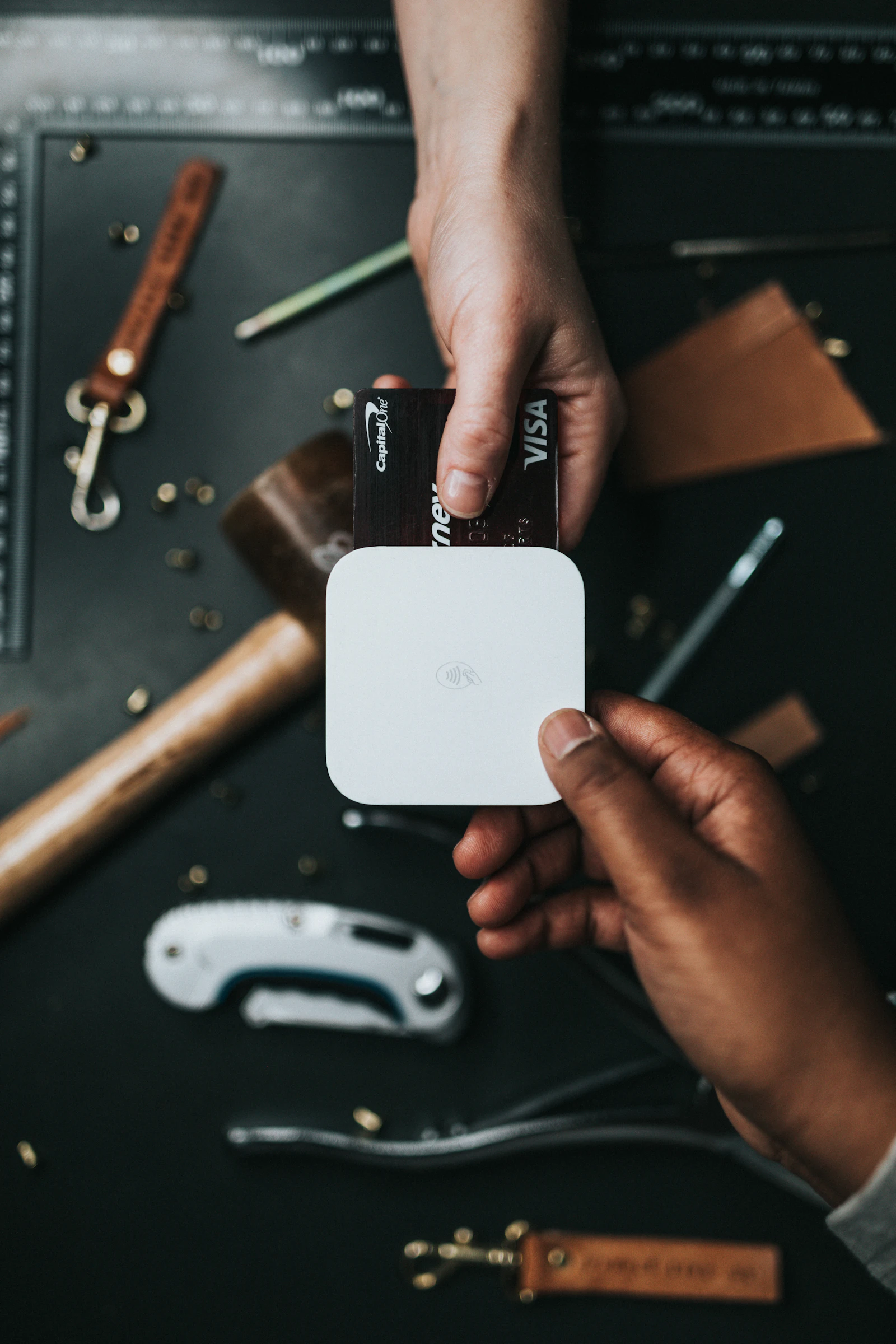
Across bustling Indian retail markets, tea stalls, pharmacies, and busy electronics stores, millions of merchants collect payments using printed acrylic UPI stands provided by PhonePe, Google Pay, or Paytm. While convenient, this physical setup possesses a critical security vulnerability: physical sticker tampering and QR replacement scams.
Police cyber crime departments in Delhi, Bengaluru, Mumbai, and Hyderabad report an alarming rise in syndicates who visit crowded stores during rush hour, discreetly paste high-quality counterfeit QR stickers over the merchant’s display stand, and walk away. For the next several hours, all customer payments bypass the merchant completely and land directly into the fraudster’s mule account.
Here is an analysis of how static QR tampering occurs and why modern retailers are switching to screen-generated Dynamic QR codes to eliminate physical tampering vulnerabilities.
How the QR Code Sticker Tampering Scam Works
Because a QR code is simply visual barcode data encoding a standard UPI URI string (upi://pay?pa=...), the human eye cannot discern whether a printed QR belongs to the shop owner or an organized fraudster.
The Physical Tampering Attack Cycle:

1. Scout Phase: Scammer enters busy store during peak rush hours.
       │
2. Execution: Scammer pretends to scan QR, but discreetly presses a peel-and-stick
   adhesive sticker with their own UPI VPA over the store's acrylic stand.
       │
3. Siphoning: Legitimate customers buy goods and scan the tampered sticker.
       │
4. Result: Money goes straight to scammer's bank account.
       │
5. Discovery: Merchant discovers the fraud hours later after closing the daily register.
In many documented cases, fraudsters choose shop names that mimic the legitimate merchant’s trade name (e.g., naming their UPI handle sharma-general-store@okaxis when the real shop is sharmageneralstore@icici). When customers scan the code, the merchant name displayed on Google Pay or PhonePe looks authentic, avoiding any suspicion.
The Inherent Flaws of Static Paper and Acrylic QR Stands
The root cause of physical tampering fraud lies in the architectural limitations of static QR codes:
┌─────────────────────────────────────────────────────────────┐
│                    Static QR Architecture                   │
├─────────────────────────────────────────────────────────────┤
│ • Hardcoded UPI VPA (pa parameter never changes)            │
│ • Zero transaction amount (customer manually types amount)  │
│ • No unique invoice reference (tr / ref parameters missing) │
│ • Static paper/plastic medium vulnerable to physical paste  │
└─────────────────────────────────────────────────────────────┘- No Real-Time Screen Verification: Because the code is static printed plastic, there is no display to show the customer the real-time invoice number or exact bill amount before payment.
- Soundbox Failure Modes: While audio soundboxes announce successful transactions, they cannot announce transactions that never touched the merchant’s account. When a customer pays a scammer’s sticker, the merchant’s speaker stays silent. In high-traffic environments with loud street noise, cashiers often glance at the customer’s phone screen instead of waiting for audio announcements.
- Delayed Settlement Audits: Small retailers often reconcile their books only at night. A tampered sticker placed at 11:00 AM can siphon dozens of transactions before closing time.
How Screen-Generated Dynamic QR Codes Solve the Problem
A Dynamic QR code replaces the paper or plastic sticker with an interactive digital screen (a POS billing monitor, dedicated counter display, or customer-facing tablet).
┌──────────────────────────────────────────────────────────────────┐
│                   Customer-Facing Dynamic Screen                 │
├──────────────────────────────────────────────────────────────────┤
│                                                                  │
│                  ██████████████████████████                      │
│                  ██  ████  ██  ██  ████  ██                      │
│                  ██  ████  ██  ██  ████  ██                      │
│                  ██████████████████████████                      │
│                                                                  │
│  Payable Amount: ₹1,485.00                                       │
│  Invoice Ref:    INV-2026-0941                                   │
│  Store Name:     Gupta Electronics (Direct Verified)             │
│  Status:         Waiting for Customer Payment (Exp in 02:45)     │
│                                                                  │
└──────────────────────────────────────────────────────────────────┘
When the cashier rings up items on the POS billing system, the software generates a single-use Dynamic QR code:
upi://pay?pa=store@icici&pn=Gupta+Electronics&am=1485.00&tr=INV-2026-0941&cu=INRWhy Dynamic QR Eliminates Fraud:
- Locked Bill Amount (
am): The customer never types the amount manually; their UPI app opens with the exact billing amount pre-filled. - Single-Use Lifespan: Once the invoice is marked paid or cancelled, the QR code instantly expires on screen and disappears.
- Physical Tampering Immunity: A scammer cannot stick a piece of paper over an actively changing digital monitor without immediate detection.
- Instant POS Webhook Closure: The checkout counter does not release the shopping bag or print the receipt until the POS machine receives an automated cryptographic bank webhook confirmation.
Static QR vs. Soundbox vs. Dynamic QR Screens
| Feature | Static Paper QR | Static QR + Soundbox | Dynamic QR Screen (POS) |
|---|---|---|---|
| Physical Sticker Replacement Risk | Extremely High | High (Soundbox remains silent) | Zero (Immune) |
| Amount Typing Error | Frequent customer mistakes | Frequent customer mistakes | Zero (Hardcoded in URI) |
| Fake Screenshot Vulnerability | Very High | Medium | Zero (Automated webhook confirmation) |
| Monthly Hardware Rental | ₹0 | ₹125 – ₹250 / month | ₹0 (Runs on existing screen/tablet) |
| Real-Time Reconciliation | Manual register matching | Audio alert only | Instant API database match |
Best Security Practices for High-Footfall Retail Counters
If you manage a retail store, supermarket, or pharmacy counter, implement these security measures immediately:
- Retire Static Paper Stickers: Transition your checkout to customer-facing dynamic screens powered by self-hosted direct UPI engines like VyaparGateway.
- Perform Daily Physical Inspections: If your business must use a static QR stand for auxiliary counters, make it a standard opening and closing checklist item for cashiers to run their thumb over the QR stand to ensure no foreign sticker has been superimposed.
- Enforce Screen Visibility: Position QR displays inside the counter barrier facing out, rather than placing them unattended on the outer counter edge where standing customers can conceal tampering.
- Never Rely on Customer Phone Displays: Train your checkout staff to never rely on looking at a customer’s phone showing a “Payment Successful” screen. Always wait for the automated POS screen green tick or internal system chime.
Direct answers
Frequently asked questions
- What is a UPI QR sticker swap or tampering scam?
- A QR sticker swap occurs when a malicious customer or passerby pastes a counterfeit printed QR code sticker over the merchant's legitimate QR stand. Unsuspecting subsequent customers scan the fake code, routing payments directly to the scammer's bank account.
- Does a soundbox protect a merchant from static QR code replacement?
- Only partially. If a scammer pastes their own sticker over your stand, your soundbox will simply remain silent when customers pay the scammer. During peak hours, busy cashiers often assume the soundbox has a cellular network delay, allowing the fraud to continue undetected for hours.
- Why is a Dynamic QR code tamper-proof?
- A Dynamic QR code is generated digitally on a customer-facing display or POS terminal per transaction. It embeds the exact invoice amount, transaction reference, and store identifier, rendering physical stickers completely impossible to paste over or replicate.
Build your payment flow
Explore the API and browser-only merchant tools.
Create UPI checkout orders, verify signed events, or test the free calculators and generators without exposing credentials.